10 Things OpenClaw Can Do That Most People Don't Know
CampeloClaw Team · · 6 min read
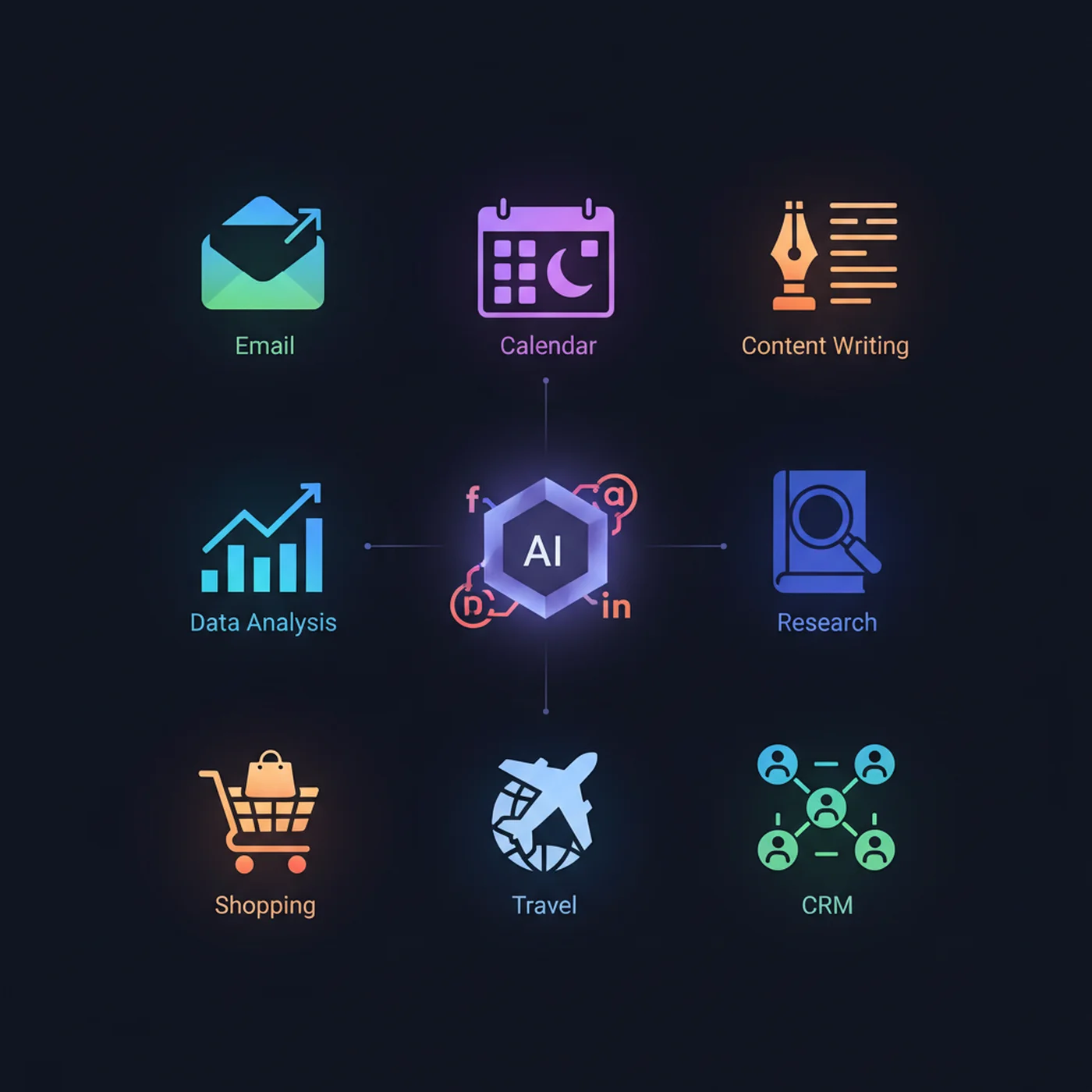
When people hear about OpenClaw, they usually think of two things: email management and morning briefings. Those are great starting points, but they barely scratch the surface. OpenClaw is a general-purpose AI agent platform — meaning it can do almost anything you can describe in words, as long as it has the right skills and permissions.
Here are 10 powerful use cases that most people do not know about. Each one is being used by real OpenClaw users today, and none of them require coding to set up.
1. Multi-Agent Teams That Run Your Business
Instead of one AI assistant trying to do everything, you can run multiple specialized agents that work together. One agent handles customer inquiries on WhatsApp. Another monitors your inbox and drafts replies. A third manages your social media content calendar. A fourth generates weekly reports. Each agent has its own personality, skills, and AI model — optimized for its specific role.
Business owners report that a 3-5 agent team replaces 10-15 hours of manual work per week. The agents coordinate through internal channels, escalating to you only when human judgment is needed. See our OpenClaw for small business guide for a complete setup walkthrough.
2. Real-Time Price and Stock Monitoring
OpenClaw can monitor stock prices, cryptocurrency values, product prices on e-commerce sites, or any publicly available data feed. When a price crosses a threshold you set, it sends you an alert on WhatsApp or Telegram — instantly. Day traders use it for market alerts. Business owners use it to track competitor pricing. Bargain hunters use it to watch for deals on specific products.
3. Automated Content Repurposing Pipeline
Write one blog post, and OpenClaw turns it into seven pieces of content: a Twitter/X thread, a LinkedIn post, an Instagram carousel outline, a YouTube video script, an email newsletter section, a Reddit discussion post, and a TikTok script. Each piece is adapted to the platform format, tone, and audience. Content creators report saving 3-5 hours per piece of content.
4. Smart Home Control via Voice and Chat
OpenClaw integrates with Home Assistant and other smart home platforms. You can control your lights, thermostat, locks, and appliances through WhatsApp messages or voice commands. "Turn off all lights and set the thermostat to 68" works just like talking to Alexa — but through your messaging app, with full context awareness and the ability to create complex routines.
5. Automated Job Application Tracking
Job seekers configure OpenClaw to monitor their email for application responses, track which companies they have applied to, send follow-up emails after a configurable number of days, and prepare them for interviews by researching the company. One user reported managing 50+ active applications without losing track of a single one.
6. Customer Support Bot with Human Escalation
Small businesses connect OpenClaw to their customer-facing WhatsApp or website chat. The agent answers frequently asked questions using your business knowledge base — hours, pricing, availability, policies. When a question requires human judgment, it summarizes the conversation and escalates to you. Businesses report that OpenClaw handles 60-70% of inquiries automatically.
7. Personal Health and Habit Tracker
Send your OpenClaw a WhatsApp message like "ran 5km, ate salad for lunch, slept 7 hours" and it logs everything. At the end of each week, it generates a health summary with trends. It can remind you to take medication, suggest workout routines, track water intake, and flag when your patterns deviate from your goals.
8. Meeting Preparation Agent
Before each meeting on your calendar, OpenClaw automatically researches the attendees (LinkedIn, company websites, recent news), summarizes any previous email conversations with them, and prepares a briefing document. You walk into every meeting fully informed, without spending 15 minutes on preparation each time.
9. Invoice and Expense Management
Forward receipts and invoices to your OpenClaw email. It extracts the key information (amount, date, vendor, category), logs it in a spreadsheet or accounting tool, and sends you a monthly expense report. Freelancers and small business owners save hours of bookkeeping every month.
10. Learning and Research Assistant
Tell your OpenClaw what you want to learn — a new language, a professional skill, industry trends — and it creates a personalized learning plan. Every day, it sends you a curated lesson or article. It quizzes you on what you learned yesterday. It tracks your progress and adjusts the difficulty. You get a personal tutor that costs less than a single textbook.
The best way to discover use cases is to start with one and expand. Our CampeloClaw course walks you through setting up your first five workflows from scratch, with video tutorials for each one. By the end, you will have a fully automated AI assistant handling real tasks in your daily life.
Frequently Asked Questions
Written by CampeloClaw Team
We teach non-technical users how to build AI employees with OpenClaw.
Keep reading
Ready to master OpenClaw?
Go from zero to running your own 24/7 AI assistant with our hands-on course.
Get Access→