OpenClaw vs ChatGPT: Which One Should You Use in 2026?
CampeloClaw Team · · 8 min read
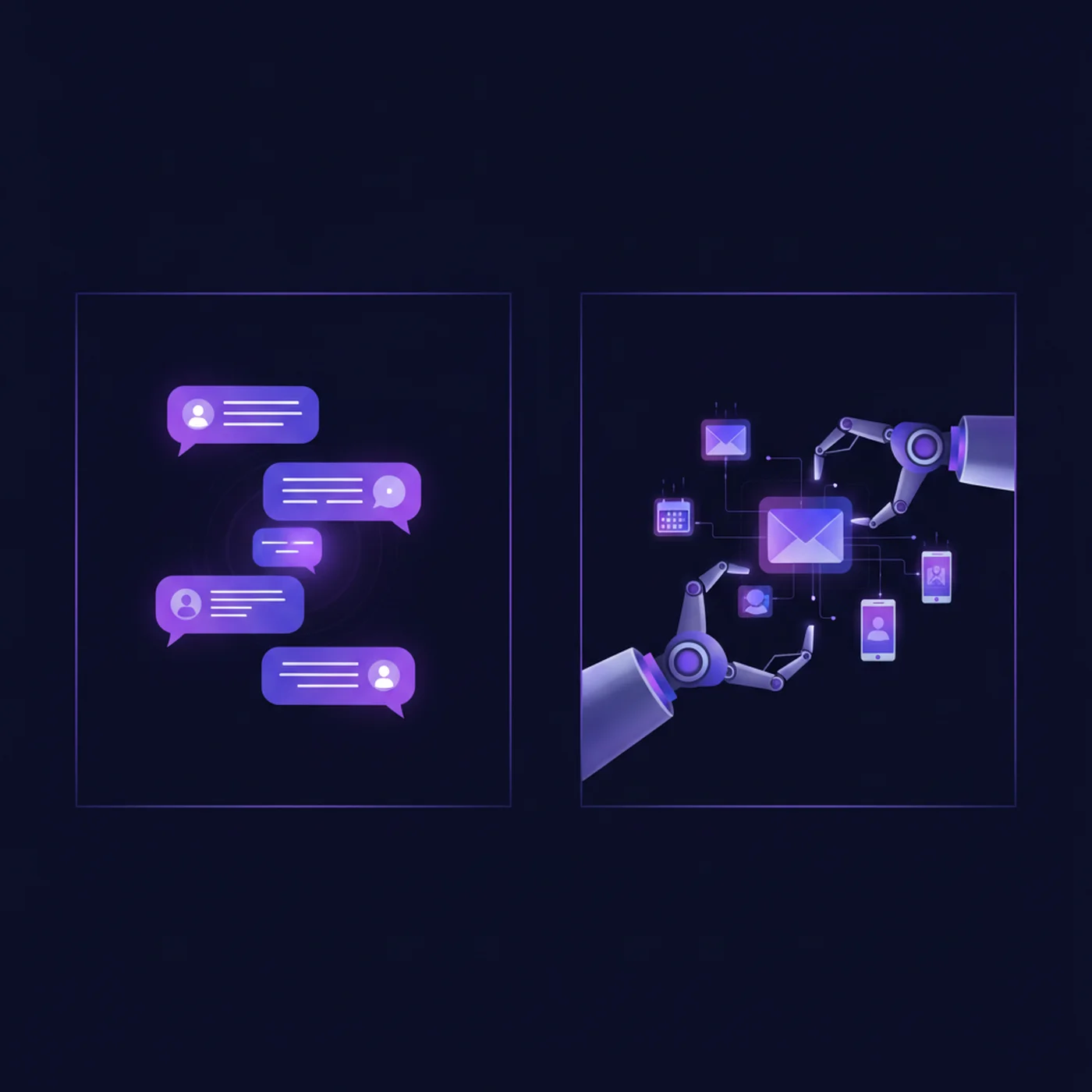
"Is OpenClaw just another ChatGPT?" is the question that comes up in nearly every conversation about the platform. The short answer is no — they are fundamentally different tools that happen to both use AI. If you are not yet sure what OpenClaw is, start there. Comparing them is like comparing a self-driving car to a GPS app. One takes you there. The other tells you where to go.
This guide breaks down exactly how OpenClaw and ChatGPT differ across features, cost, privacy, use cases, and practical value. By the end, you will know which one fits your situation — or whether you should use both.
The Fundamental Difference: Agent vs Chat Interface
ChatGPT is a conversational AI interface. You type a question, it gives you an answer. It is reactive — it waits for you to start a conversation, and when you close the browser, it stops. It cannot send an email on your behalf, manage your calendar, or check your inbox while you sleep.
OpenClaw is an autonomous AI agent. It runs on your own machine or server 24 hours a day, 7 days a week. You interact with it through WhatsApp, Telegram, Discord, or any messaging app you already use. It does not just answer questions — it takes action. It reads your email, drafts replies, manages your schedule, monitors your business, and sends you proactive updates without being asked.
This distinction matters because it determines what problems each tool can solve. ChatGPT is excellent when you need on-demand intelligence — writing help, brainstorming, coding assistance, research. OpenClaw is excellent when you need ongoing automation — tasks that repeat daily, monitoring that never stops, workflows that run while you focus on other things.
Feature-by-Feature Comparison
| Feature | OpenClaw | ChatGPT |
|---|---|---|
| Type | Autonomous AI agent | Conversational AI interface |
| Runs where | Your machine or server (self-hosted) | OpenAI's cloud servers |
| Interface | WhatsApp, Telegram, Discord, Slack, email, web, voice — 20+ channels | Browser app and mobile app only |
| Takes action | Yes — sends emails, manages calendar, posts on social media, executes commands | Limited — can browse web and use some plugins |
| Always on | Yes — runs 24/7, sends proactive updates and morning briefings | No — only active when you open the app |
| AI model | Your choice: Claude, GPT, Gemini, Llama, Mistral, or any local model | GPT-4o, GPT-4o-mini (OpenAI models only) |
| Memory | Persistent memory that learns your preferences, habits, and communication style | Basic memory that recalls conversation context |
| Privacy | Data stays on your machine — you control everything | Data processed on OpenAI servers — subject to their privacy policy |
| Multi-agent | Run multiple AI agents with different roles simultaneously | Single conversation at a time |
| Automation | Scheduled tasks, cron jobs, heartbeat routines, webhook triggers | No scheduling — manual prompts only |
| Skills/Plugins | Hundreds via ClawHub marketplace — calendar, email, search, social media, custom tools | GPTs and limited plugin ecosystem |
| Cost | Free software + $3-30/month for AI API calls + $0-10/month hosting | $20/month (Plus), $200/month (Pro) |
| Setup difficulty | Moderate — requires server setup or one-click hosting | Easy — sign up and start chatting |
Cost Comparison: Real Numbers
Cost is one of the biggest reasons people switch from ChatGPT to OpenClaw — or use both strategically.
| Scenario | OpenClaw Cost | ChatGPT Cost | Winner |
|---|---|---|---|
| Basic personal use | $3-8/month (API + free local hosting) | $0 (free tier) or $20/month (Plus) | Depends on usage |
| Daily email + calendar automation | $8-15/month (API + VPS) | $20/month (Plus) — but cannot automate | OpenClaw |
| Business with 50+ daily AI tasks | $15-25/month (mixed model routing) | $200/month (Pro) — still no automation | OpenClaw |
| Quick one-off questions | $0.01-0.05 per question | $0 (free tier) | ChatGPT free tier |
| Multi-agent team (3+ agents) | $15-40/month total | Not possible | OpenClaw (only option) |
The key insight: ChatGPT charges a flat monthly fee regardless of usage. OpenClaw charges based on actual AI model API calls — meaning light users pay very little, and heavy users can optimize costs by routing simple tasks to cheaper models. A Reddit user reported running 19 OpenClaw agents for just $6 per month.
Privacy and Data Control
This is where the two tools diverge most sharply. With ChatGPT, every message you send passes through OpenAI servers. OpenAI states they may use your data to improve their models (unless you opt out through settings). Your conversations, documents, and queries exist on infrastructure you do not control.
With OpenClaw, the Gateway runs on your hardware. Your emails, files, calendar data, and conversations never leave your machine unless you explicitly configure an external integration. The AI model provider (Claude, GPT, Gemini) only sees the specific prompts you send — not your entire context. For businesses handling sensitive data, healthcare professionals, lawyers, or anyone with privacy requirements, this difference is critical.
When to Use ChatGPT
- Quick one-off questions that do not require any follow-up action
- Brainstorming and creative writing sessions where you want real-time back-and-forth
- Coding assistance when you need help with a specific problem right now
- Learning and research where you want to explore a topic interactively
- Image generation with DALL-E integration
- When you want zero setup — just open a browser and start
When to Use OpenClaw
- Email management — automatic triage, drafting, and sending
- Calendar automation — scheduling, reminders, flight check-ins
- Morning briefings — proactive daily summaries of email, news, calendar, and tasks
- Business operations — customer inquiry handling, competitor monitoring, report generation
- Content workflows — repurposing blog posts into social media, newsletters, and threads
- Multi-agent setups — different AI agents handling different departments of your business
- Privacy-sensitive work — when data cannot leave your infrastructure
- Cost optimization — when you process dozens of AI tasks daily and need to control spend
Can You Use Both Together?
Absolutely — and many power users do exactly this. The most common setup is using ChatGPT as a "thinking partner" for interactive work (writing, brainstorming, research) and OpenClaw as a "digital employee" for automated background work (email, scheduling, monitoring, reporting).
In fact, OpenClaw can use GPT as one of its AI models. When your OpenClaw agent needs to think through a complex task, it can call the same GPT-4o model that powers ChatGPT — but through the API at a fraction of the cost, and with the ability to take action on the result.
The sweet spot for most users: keep ChatGPT free tier for quick questions and real-time conversations. Run OpenClaw for everything that should happen automatically. Your total cost stays lower than ChatGPT Plus alone, and you get 10x more automation.
Making the Switch: What to Expect
If you are currently a ChatGPT user considering OpenClaw, here is an honest assessment of the transition.
- Setup takes 1-3 hours (vs. 2 minutes for ChatGPT) — but you only do it once
- The first week requires more hands-on time as you configure skills and train the memory
- By week two, OpenClaw handles tasks automatically that you used to do manually with ChatGPT
- By month one, most users report saving 5-10 hours per week compared to their pre-OpenClaw workflow
- You will probably keep using ChatGPT for interactive conversations — that is normal and expected
Our CampeloClaw course guides you through the entire transition from ChatGPT user to OpenClaw power user. Designed for non-technical users, it covers setup, configuration, security, and building your first automated workflows — with video tutorials for every step.
Frequently Asked Questions
Written by CampeloClaw Team
We teach non-technical users how to build AI employees with OpenClaw.
Keep reading
Ready to master OpenClaw?
Go from zero to running your own 24/7 AI assistant with our hands-on course.
Get Access→